
ABA-VR E-LEARNING
ABA-VR E-LEARNING 4 Sections19 Lessons15 Quizzes10 Weeks
Lesson 4: Lesson Plans I
Lesson Plan 1: Introduction to Virtual Reality Headsets
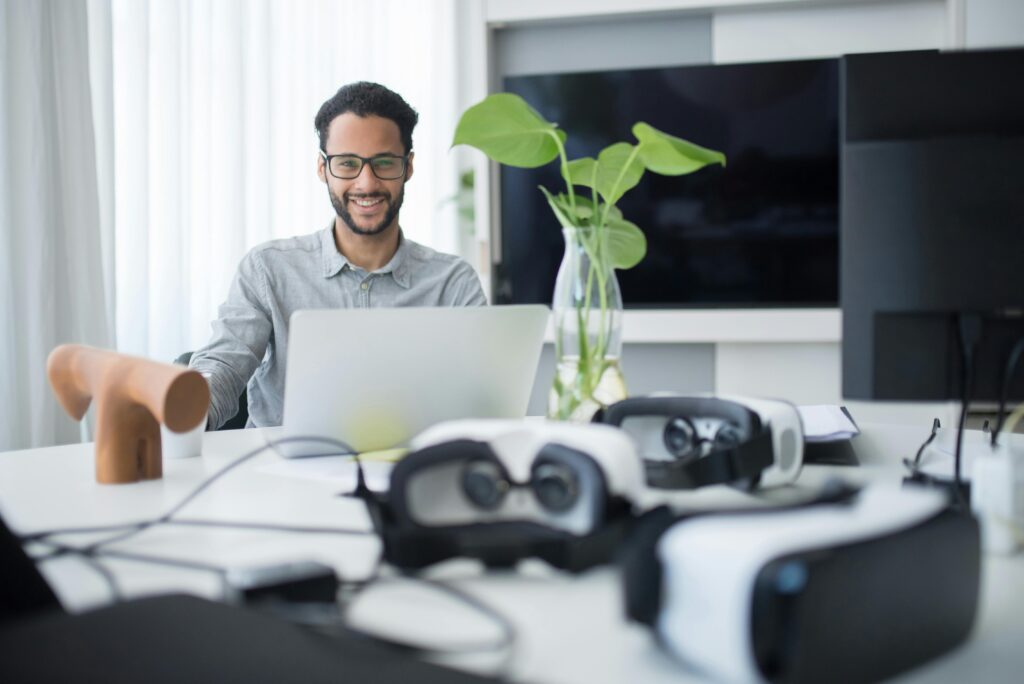
Foto de Kampus Production: https://www.pexels.com/es-es/foto/hombre-ordenador-portatil-oficina-espacio-de-trabajo-8636627/
Objective: Participants will learn about the essential parts, activities, and applications of virtual reality headsets. They will also get practice in setting up, moving and using virtual reality headsets and learn tips for safe and effective use of virtual reality.
Materials:
- Virtual reality headsets (such as Oculus Quest, HTC Vive, or similar types)
- A projector or screen to show how to set up and use the headphones
- Brochures with safety tips, troubleshooting steps, and basic instructions for using the headset
- Cleaning wipes to disinfect virtual reality headsets between users
- An uncluttered area where people can move around while using virtual reality
Activities:
- Virtual Reality Technology Basics (10 minutes)
-
- Content: This section provides a quick overview of virtual reality technology and its use in schools, job training, gaming, and healthcare.
- Activity: Watch a short video that shows different ways people use virtual reality to help students see how versatile and impactful it can be.
- Introduction to VR Headset Parts (15 minutes)
-
- Contents: Break down the main parts of a VR headset, such as the lenses, head strap, screen tracking sensors, and controllers.
- Activity: Ask participants to handle a virtual reality headset, examine each part up close, and see how each piece helps create an immersive virtual reality experience.
- How to Set Up and Use a Virtual Reality Headset (20 minutes)
-
- Content: Show participants how to set up a VR headset, connect it to a device (if necessary), and adjust the settings to make it comfortable and accurate.
- Activity: Show a live setup, then ask participants to join in and practice setting up and fitting a VR headset with some help.
- Moving in virtual reality (15 minutes)
-
- Content: This section will teach the basics of using VR controllers, picking up objects, and moving within space.
- Activity: Conduct a simple virtual reality experience (such as a tutorial or interactive game) to help participants practice movement and interaction with virtual objects.
- Best Practices and Safety Tips for Virtual Reality (10 minutes)
-
- Content: Talk about how to use the VR headset. This includes taking breaks using the headset in an open area, adjusting it for clear vision, and cleaning it before and after use.
- Activity: Delivery of sheets with safety tips. Review every tip and answer any questions people may have.
- Troubleshooting Common Issues (10 minutes)
-
- Contents: Discuss common problems with VR headsets, such as blurred vision, drivers that won’t connect, or battery issues.
- Activity: Provide guidance on how to fix these issues. Ask people to share their own VR problems and discuss them.
- Practice and Q&A (10 minutes)
-
- Activity: Allow people to test the VR setup independently. Help them if they need it and let them ask questions.
- Conclusion and recap (5 minutes)
-
- Content: Review the main things learned about VR headsets, such as how to set them up, use them, and stay safe.
- Activity: Tell people where they can learn more about virtual reality, such as online guides and tutorials.
Evaluation:
- Note: During hands-on practice sessions, monitor participants’ comfort and proficiency in setting up, navigating, and using VR headsets.
- Post-session quiz: To reinforce learning and assess understanding, provide a short quiz covering essential components, safety tips, and troubleshooting steps.
Lesson Plan 2: VR in the Classroom
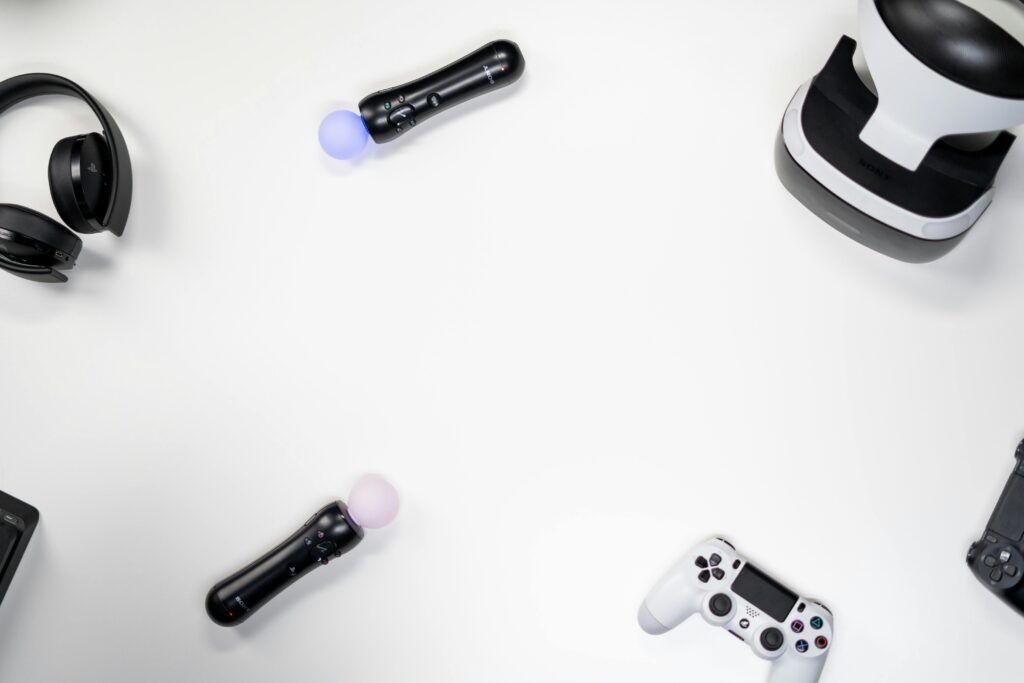
Foto de cottonbro studio: https://www.pexels.com/es-es/foto/manos-apple-manzana-tecnologia-3945655/
Objective: Participants will learn how VR can improve education. They will explore its advantages, uses and tips to use it well in class. They will see how virtual reality can make students more interested and engaged and help them learn better.
Materials:
- VR headsets
- Projector or screen to display videos
- Handouts listing the uses and benefits of virtual reality in schools
- Examples of virtual reality applications for learning (such as Google Expeditions, ENGAGE, or similar)
- QR code or link to learn more about virtual reality in schools
Activities:
- Introduction to Virtual Reality Technology in Education (10 minutes)
-
- Contents: Start with an overview of VR technology and how it’s changing the game in schools.
- Activity: Play a quick video showing the different ways VR is used in classrooms to help everyone see what’s possible.
- Benefits of Virtual Reality in Education (15 minutes)
-
- Content: Talk about why virtual reality is great for learning. It makes students more engaged, allows them to interact more, creates deep learning experiences, and can mimic real-world environments.
- Activity: Have the group discuss how virtual reality can address specific learning barriers, excite students, and offer experiences that can’t be obtained in a regular classroom.
- Exploring Educational Virtual Reality Applications (20 minutes)
-
- Content: Showcase popular VR educational apps, such as virtual field trips, science simulations, story re-enactments, and virtual labs.
- Activity: Show some VR apps, if you can, and talk about how to use each in different subjects like history, science, and geography. If you have virtual reality headsets, let people try an educational app for themselves.
- Designing a VR-enhanced lesson (15 minutes)
-
- Content: Help people come up with a lesson plan that uses virtual reality, including objectives, virtual reality activities, and ways to check what students learned.
- Activity: In small groups, participants collaborate to create a short lesson plan that uses virtual reality to teach a specific topic. Encourage them to think creatively about how virtual reality can boost learning goals and get students more engaged.
- Safe and effective use of virtual reality (10 minutes)
-
- Content: Discuss smart ways to use VR in a classroom, including safety tips (such as taking breaks and keeping an eye on students who may become dizzy) and making sure the VR experience has a clear purpose and structure.
- Activity: Hand out a sheet with best practices for using virtual reality in schools and review each point.
- Addressing the challenges and limits of virtual reality in education (10 minutes)
-
- Content: List common challenges of VR in education, such as cost, space needs, and technology issues. Suggest practical ways to solve these problems.
- Activity: Allow participants to share the obstacles they expect when using virtual reality and develop solutions as a group.
- Hands-on exploration and Q&A (10 minutes)
-
- Activity: Give participants more time to try out the educational VR apps shown above. Provide one-on-one help as needed and answer any remaining questions about using virtual reality in education.
- Conclusion and recap (5 minutes)
-
- Content: Review key points on how VR enhances learning experiences: highlight VR’s ability to create engaging hands-on learning that helps with different subjects and student requirements.
- Activity: Encourage participants to check out VR options for their classrooms and provide them with resources to learn more, such as VR educational platforms and how-to guides.
Evaluation:
- Observation: Monitor how much students participate in the talks and how well they understand the VR-enhanced lessons.
- Post-session reflection: Ask students to write a quick note about how they see themselves using virtual reality when teaching. They should point out any specific shapes or ideas they want to explore further.